Get Answers to Your AutoTrade & Pine Services
Everything you need to know about our Pine Script packages (Strike & Forge) and AutoTrade—the local execution agent that turns alerts into orders. Clear scope, no fluff.
What’s the difference between Pine Strike and Pine Forge?
Pine Strike (Audit & Fix) cleans and hardens your script: Pine v6 strategy structure, non-repaint (bar-close), MTF/session filters, alerts wired, Loom walkthrough, and 1 month of AutoTrade PRO. Pine Forge (Build & Scale) delivers a full production system: advanced alert pack (5+ JSON payloads), ES/NQ/BTC presets with reproducible backtests, 3 months of AutoTrade PRO, and extra revision capacity.
Do I own the code?
Yes. You own the final Pine code, alert templates, and docs delivered in Strike and Forge. Private repo + NDA available on request.
Can you remove repainting?
We ship non-repaint logic using bar-close evaluation. If your concept inherently repaints, we flag it early and propose safe alternatives before delivery.
How do revisions work?
Strike includes 1 minor change; Forge includes 2 minor changes. Additional changes are €50 each. Revisions are limited to the agreed scope—no hidden scope creep.
Why our packages deliver real value
You don’t rent signals—you build systems. Strike fixes and hardens your Pine. Forge builds a production strategy end-to-end. AutoTrade executes locally with broker-agnostic UI clicks. Transparent scope, predictable delivery, and no vendor lock-in.
Which brokers are supported?
AutoTrade is broker-agnostic. It executes via precise UI clicks on the platforms you already use. If you can place the order manually, AutoTrade can automate it.
Can I use TradingView alerts?
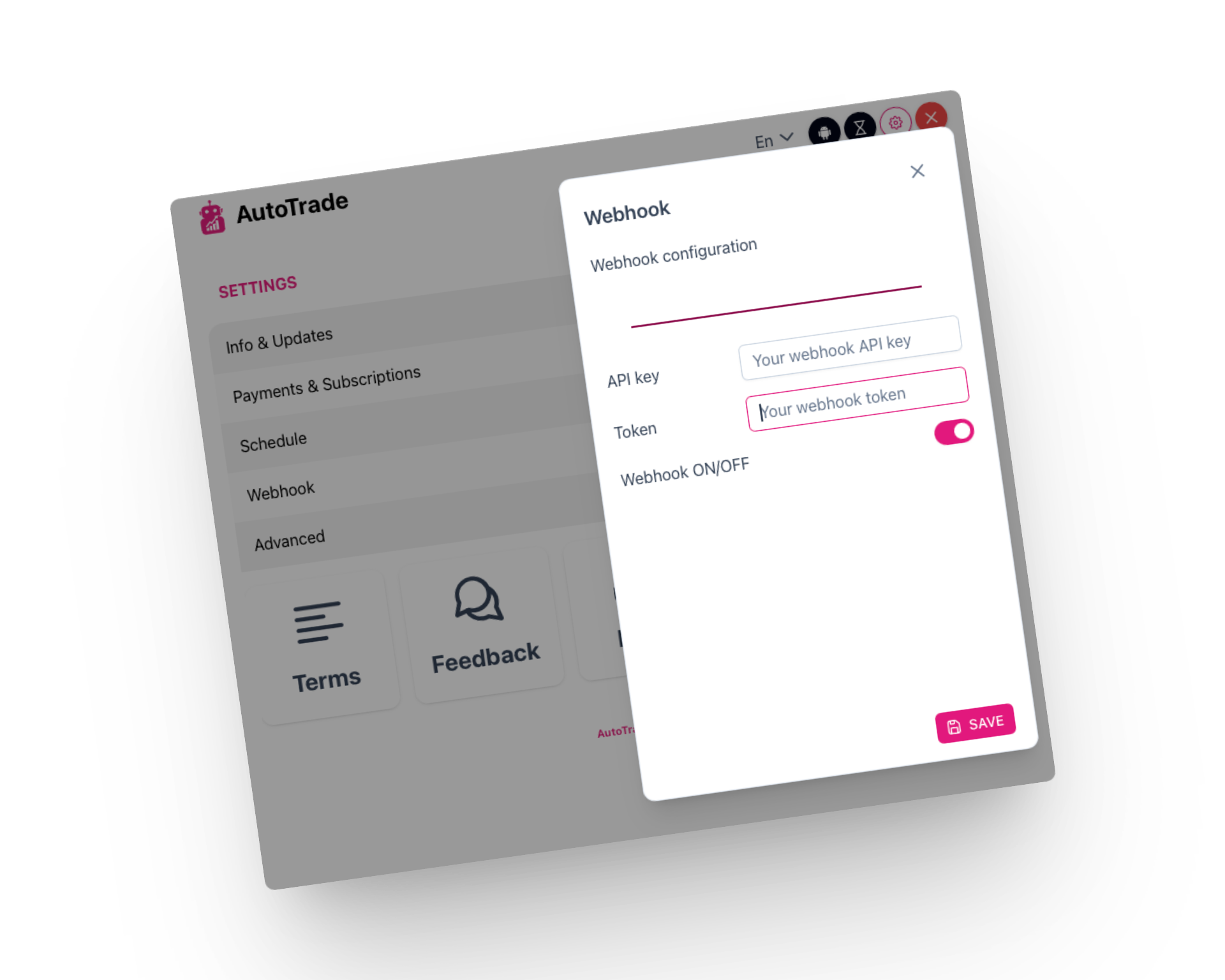
Yes. We provide paste-ready alert templates and JSON payloads. Point your TradingView webhook to AutoTrade and you’re set.
How do I integrate my own system or bot?
Send JSON to AutoTrade via webhooks, HTTP, or local sockets. Use n8n to branch, notify, failover, or journal. See Blog & Docs for payload contracts.
Do I need technical knowledge?
You can use AutoTrade with templates and a short Loom—no coding required. For advanced routing via webhooks/sockets, basic familiarity helps. We include docs and quickstart guides.
Where’s the technical documentation?
All integration details, JSON contracts, and quickstarts live in Blog & Docs.
Do you offer custom integrations?
Yes. For special requirements (multi-venue setups, dashboards, custom nodes), contact us and we’ll scope a tailored solution.
 Limited projects per week. Start your build today.